Showing posts with label text effect. Show all posts
50 Photoshop PSD Text Effect Templates
Well, while there a lot of quality free psd files and graphic design resources available, at least sometimes I don’t have enough time to browse for them, cannot find what I need and I struggle from waste of time. There is also some other solutions – lately a lot of high quality file marketplaces like GraphicRiver where you can buy high quality files very cheap! Even starting from 1$!
Free Striking Photoshop text effects (PSD download)
Today’s Photoshop freebie download is a set of unique text effects in Photoshop. Maybe, you might have seen several Photoshop text effects, but this set is unique in its style, and is very close to what the nature of the text represents the effect. So, download the PSD file and check out the various layer styles applied for each text to bring out the resultant effect.
Letterpress Photoshop Styles
Save time by using pre-built great looking styles in Photoshop! This is a set of 5 letterpress Photoshop styles – they will make your text look as though it’s been pressed into any color background. With each of the 5 primary styles, there are 3 styles based on your text size: Small, Medium or Large. In all there are 15 styles.
Sticker Text Styles
Sticker Text Styles. Include layered Photoshop PSD and ASL file. You get a better result by using bold fonts.
New 3D Text Styles
10 PSD files with 1 style. In the PSD file are 2 text layers with layer styles. Easy to use. Easy to change the text: just click on the text with the type tool and change it. Easy to change the font: Select the 2 text layers and change the font. You can play with the colors in the layerstyles to make your own style.
Supreme Fire Text Styles
This pack contains 10 unique fire text styles ideal for making your texts stand out.
Comic Book Text Styles
All layers in the photoshop file are organised into folders, named and fully editable. All free fonts or standard installation fonts used, links to download in included in the file.
38 Print Ready Text Styles!
Decided to do a set of print ready (So to speak) text styles. What I mean by that is, is that you can apply these text styles to any print based text/font without having to go through & make the proper adjustments to these types of text styles. Just simply click & go!
Free Striking Photoshop text effects (PSD download)
Today’s Photoshop freebie download is a set of unique text effects in Photoshop. Maybe, you might have seen several Photoshop text effects, but this set is unique in its style, and is very close to what the nature of the text represents the effect. So, download the PSD file and check out the various layer styles applied for each text to bring out the resultant effect.Letterpress Photoshop Styles
Save time by using pre-built great looking styles in Photoshop! This is a set of 5 letterpress Photoshop styles – they will make your text look as though it’s been pressed into any color background. With each of the 5 primary styles, there are 3 styles based on your text size: Small, Medium or Large. In all there are 15 styles.Sticker Text Styles
Sticker Text Styles. Include layered Photoshop PSD and ASL file. You get a better result by using bold fonts.New 3D Text Styles
10 PSD files with 1 style. In the PSD file are 2 text layers with layer styles. Easy to use. Easy to change the text: just click on the text with the type tool and change it. Easy to change the font: Select the 2 text layers and change the font. You can play with the colors in the layerstyles to make your own style.Supreme Fire Text Styles
This pack contains 10 unique fire text styles ideal for making your texts stand out.Comic Book Text Styles
All layers in the photoshop file are organised into folders, named and fully editable. All free fonts or standard installation fonts used, links to download in included in the file.38 Print Ready Text Styles!
Decided to do a set of print ready (So to speak) text styles. What I mean by that is, is that you can apply these text styles to any print based text/font without having to go through & make the proper adjustments to these types of text styles. Just simply click & go!Photoshop Text Effect : 54 Best Tutorials
If you are looking to learn about grungy metal, glass, water, clouds, fire, etc Photoshop text effect tutorials, you will find some by reading up on these tutorials. Try to play around with settings and colors on each of these to end up with your own look and feel. Hopefully you find something that inspires you, plus maybe a trick or two on how to do something a bit different from what you’re used to. Here the best Photoshop tutorials for making text effects.
This is a follow up to a post that was published a while ago called Top 30 Photoshop Text Effect Tutorials that you should also check out.
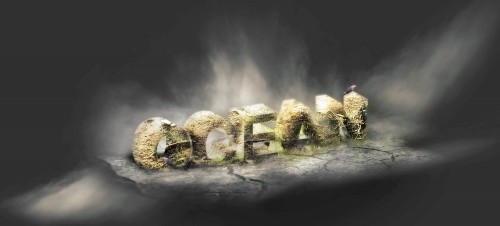
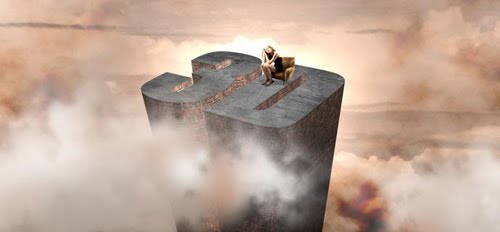
Create Stunning 3D Text in a Grungy Landscape
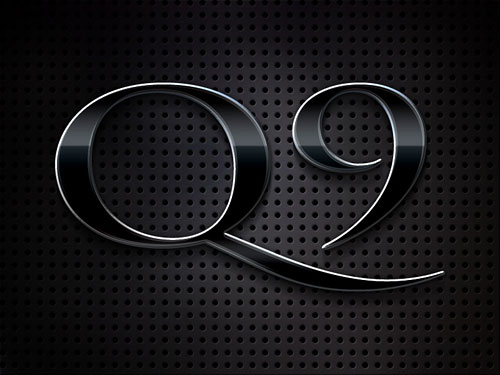
Create Elegant, Glassy, 3D Typography in Photoshop and Illustrator
Create Liquid Filled Glass Text in Photoshop
How to Create Candy Cane Typography with Photoshop and Illustrator
Create a Cool Text Effect in Photoshop With a Single Texture
How to create Happy New Year 2011 greeting card in Photoshop CS5
Create Super Glossy 3D Typography in Illustrator and Photoshop
Cool Text Effect with the Puppet Warp Tool in Photoshop CS5
Design a Skin-Textured Typography Scene in Photoshop
Retro CMYK Triangle Text Poster in Photoshop
Use Google Sketchup and Photoshop to Create 3D Typography
Snow Covered Candy Cane Text Effect
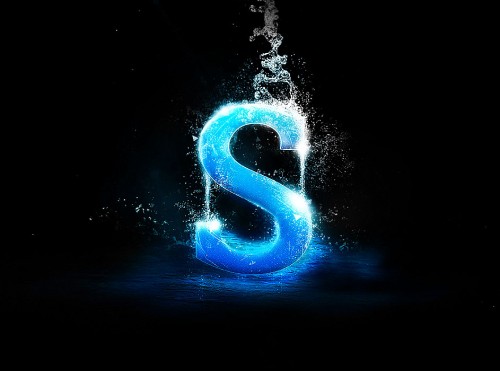
3D Water Text Effect with Repoussé in Photoshop CS5
Blending Xara 3D Type in a Wallpaper Project
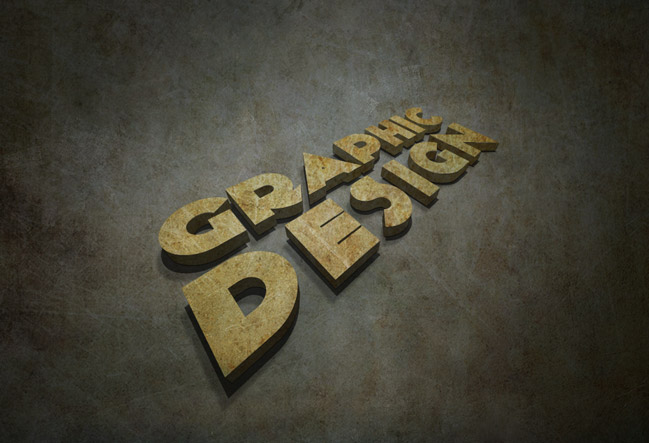
Create a Dark Grunge 3D Text Scene in Photoshop
Create Dynamic and Textured 3D Text with Perspective in Photoshop and Illustrator
3D Grunge Text Tutorial With Illustrator and Photoshop
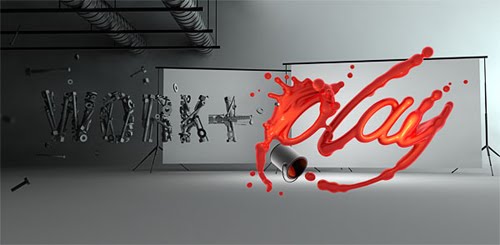
Create “Take a Break” 3D Text Composition
Create This Dazzling 3D Text Effect in Photoshop
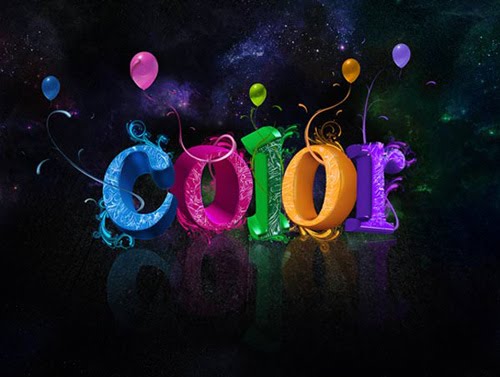
Create Colorful 3D Text Effect in Photoshop
Modern 3D Text Effect
Create Astonishing Nightclub Themed 3D Typography
3D Type with Repoussé in Photoshop CS5 Extended
Create an Awesome 3D Text Effect with Abstract Brush Decoration in Photoshop
3D Layered Text Effect
Create an Extruded Glossy 3D Text Effect in Photoshop
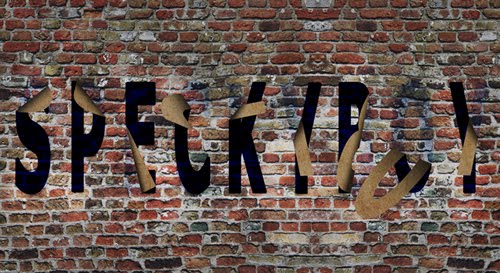
Falling Off the Wall Text Effect – Photoshop Tutorial

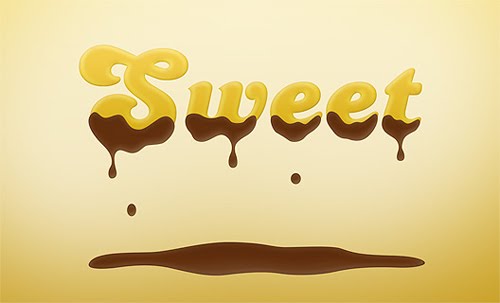
Create a Sweet Chocolate-Coated Text Effect


Glossy Emblem Text Effects with Photoshop

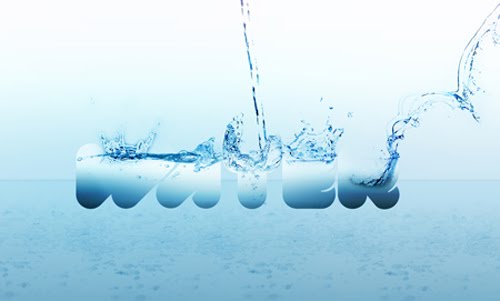
How to Create Cool Water Effect Typography

How to Create an Incredible Typographic Illustration - Part 1


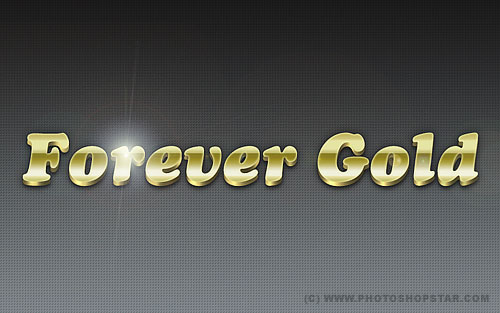
Luxury Golden Text Effect

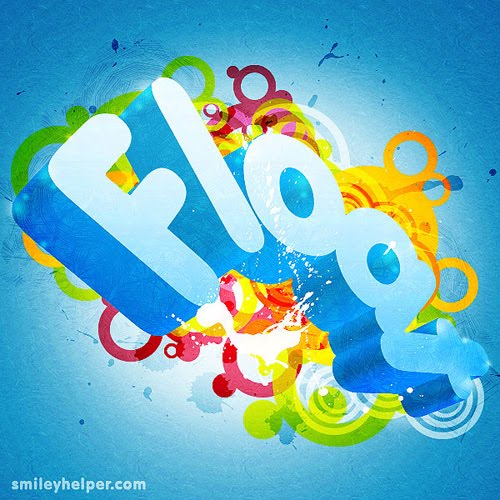
Make a 3D Colorful Abstract Text Effect

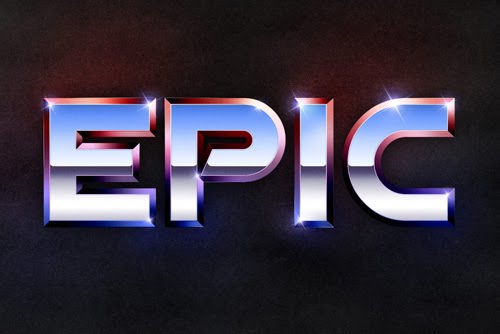
Recreate the Epic 80′s Metal Text Effect in Photoshop

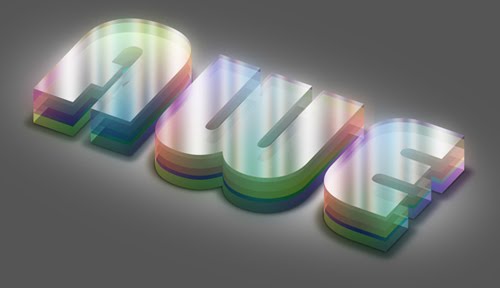
Colorful Plexi Text Effect using Photoshop

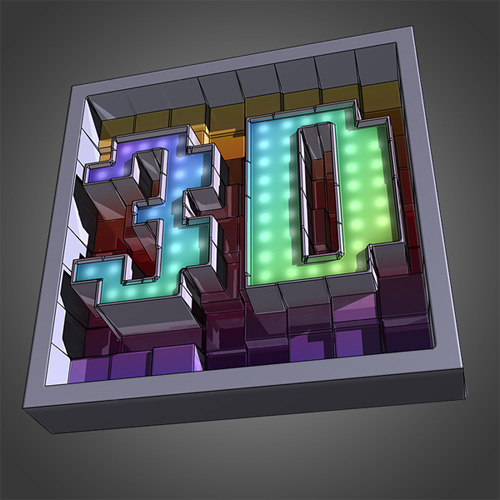
Create Awesome Text Made of 3D Blocks

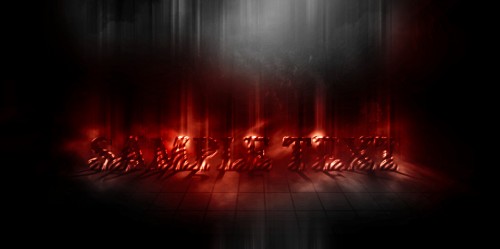
Design a Zebra-Skinned Crimson Text Effect in Photoshop

Create Colorful 3D Text Effect in Photoshop

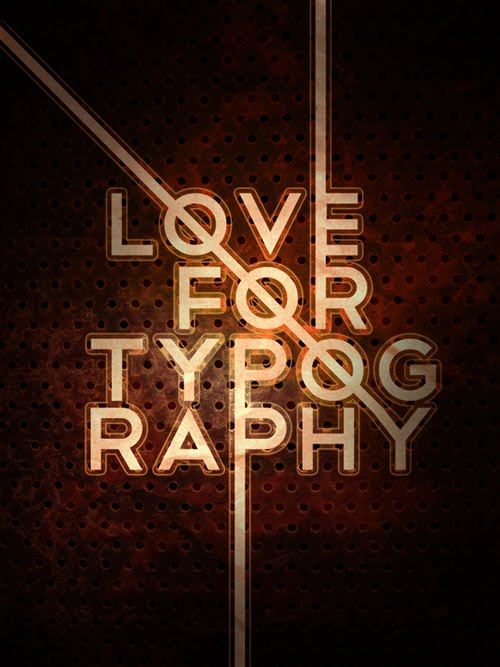
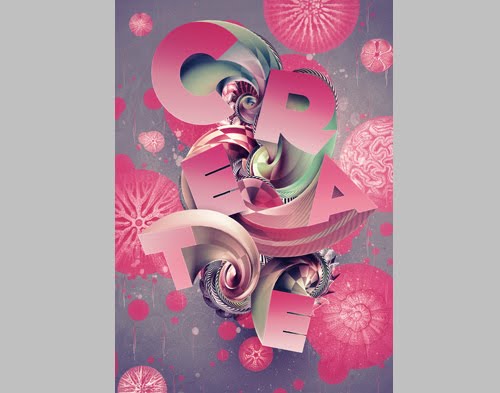
How to Create a Retro-Inspired Typography Poster

Create 3D Typography with Advanced Texturing and Lighting Effect in Photoshop

Quickly and Easily Recreate a Popular Inked Typographical Style

Basic Web 2.0 Style Reflection

Cool Text Effect with the Puppet Warp Tool in Photoshop CS5

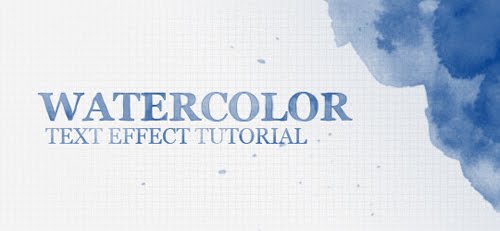
Create a Watercolor Text Effect in Photoshop

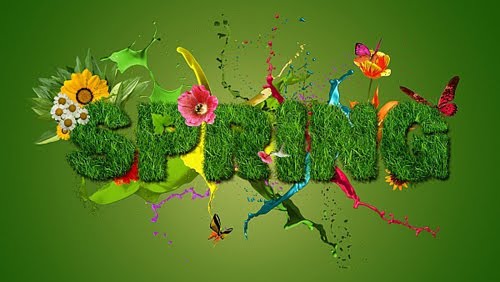
Spring Wallpaper Photoshop Tutorial

3D Type with Repoussé in Photoshop CS5 Extended

Photoshop Tutorial: Create 3D type art using Photoshop CS5

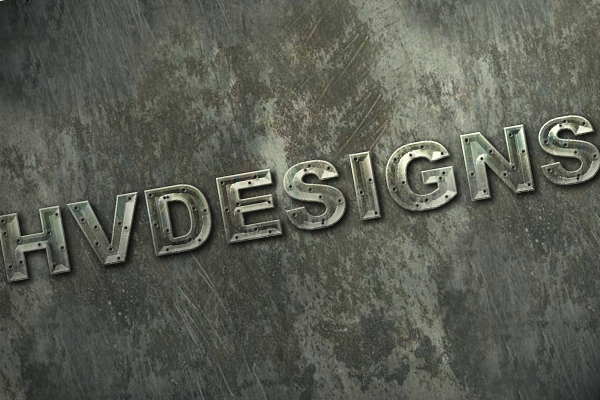
Learn How To Create Metal Textured Text

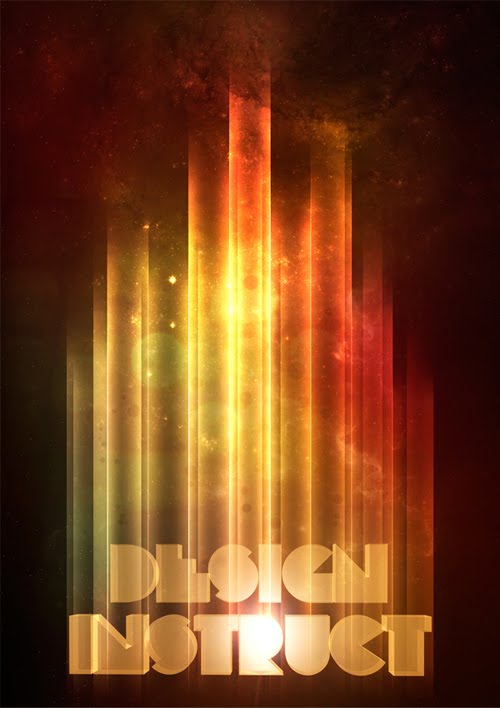
Make a Retro-Space Typography Poster with Colorful Lights
This is a follow up to a post that was published a while ago called Top 30 Photoshop Text Effect Tutorials that you should also check out.
Create Stunning 3D Text in a Grungy Landscape
Design an Awesome Burning Flame Text Effect in Photoshop
Create Elegant, Glassy, 3D Typography in Photoshop and Illustrator
Create Liquid Filled Glass Text in Photoshop
How to Create Candy Cane Typography with Photoshop and Illustrator
Create a realistic folded paper text in Photoshop
Create a Cool Text Effect in Photoshop With a Single Texture
How to create Happy New Year 2011 greeting card in Photoshop CS5
Create Super Glossy 3D Typography in Illustrator and Photoshop
Cool Text Effect with the Puppet Warp Tool in Photoshop CS5
Design a Skin-Textured Typography Scene in Photoshop
Retro CMYK Triangle Text Poster in Photoshop
Use Google Sketchup and Photoshop to Create 3D Typography
Snow Covered Candy Cane Text Effect
3D Water Text Effect with Repoussé in Photoshop CS5
Blending Xara 3D Type in a Wallpaper Project
Create a Dark Grunge 3D Text Scene in Photoshop
Create Dynamic and Textured 3D Text with Perspective in Photoshop and Illustrator
3D Grunge Text Tutorial With Illustrator and Photoshop
Create “Take a Break” 3D Text Composition
Create a Stylish Grunge Poster with 3D Typography in Photoshop
Create This Dazzling 3D Text Effect in Photoshop
Create Colorful 3D Text Effect in Photoshop
Modern 3D Text Effect
Create Astonishing Nightclub Themed 3D Typography
3D Type with Repoussé in Photoshop CS5 Extended
Create an Awesome 3D Text Effect with Abstract Brush Decoration in Photoshop
3D Layered Text Effect
Create an Extruded Glossy 3D Text Effect in Photoshop
Falling Off the Wall Text Effect – Photoshop Tutorial

Create a Sweet Chocolate-Coated Text Effect

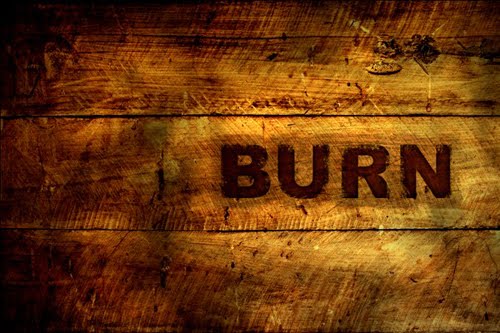
Burnt Wood Text Effect – Photoshop Tutorial

Glossy Emblem Text Effects with Photoshop

How to Create Cool Water Effect Typography

How to Create an Incredible Typographic Illustration - Part 1

Create Awesome Splashing Water Text Effect in Photoshop

Luxury Golden Text Effect

Make a 3D Colorful Abstract Text Effect

Recreate the Epic 80′s Metal Text Effect in Photoshop

Colorful Plexi Text Effect using Photoshop

Create Awesome Text Made of 3D Blocks

Design a Zebra-Skinned Crimson Text Effect in Photoshop

Create Colorful 3D Text Effect in Photoshop

How to Create a Retro-Inspired Typography Poster

Create 3D Typography with Advanced Texturing and Lighting Effect in Photoshop

Quickly and Easily Recreate a Popular Inked Typographical Style

Basic Web 2.0 Style Reflection

Cool Text Effect with the Puppet Warp Tool in Photoshop CS5

Create a Watercolor Text Effect in Photoshop

Spring Wallpaper Photoshop Tutorial

3D Type with Repoussé in Photoshop CS5 Extended

Photoshop Tutorial: Create 3D type art using Photoshop CS5

Learn How To Create Metal Textured Text

Make a Retro-Space Typography Poster with Colorful Lights